Figma Make review
Is Figma Make free? Which Figma plans include it, how AI credits work and run out, and whether it's worth paying for instead of a builder like Lovable.
 Sketch Focus Editorial TeamLast updated
Research-based reviewNot yet tested hands-on · facts checked Nov 22, 2026How we test
From $16/mo
Free plan available
Our take so far
Figma Make is the natural first AI builder for a team already paying for Figma Full seats, because it starts from your Figma designs and can send its output back as layers. The catch is cost control: credits vary by prompt, fixes use them up, and when they run out your work stops until they reset.
Figma Make
At a glance
Not scored yet. We only score tools after hands-on testing.
- What it is
- Figma's prompt-to-app tool for prototypes and web apps
- Free plan
- Yes
- Paid from
- $16/mo
- Builds
- Functional prototypes and web apps
- Design import
- Attach Figma designs and components
- Back to Figma
- Copy as design layers (paid plans)
- Backend
- Payload built in, or Supabase
- Export
- Code as .zip, one-way GitHub push
- Hosting
- figma.site URL or custom domain
- Made by
- Figma
Figma Make pricing
Starter
For trying it out
$0/mo
- 150 AI credits a day, up to 500 a month
- Attach designs, images and files
- Payload or Supabase backend
- Public publishing only via Figma Community
Professional (Full seat)
For solo designers and small teams
$16/seat/mo
- 3,000 AI credits a month
- Publishing and custom domains
- Copy as design layers
- Make kits, connectors, password protection
Organization (Full seat)
For larger design teams
$55/seat/mo
- 3,500 AI credits a month
- Billed annually
- Publish custom Make connectors
- Org-wide design systems, SSO
Enterprise (Full seat)
For large organisations
$90/seat/mo
- 4,250 AI credits a month
- Billed annually
- SCIM, design system theming and APIs
- Governance+ add-on available
Figma Make comes with a Figma Full seat, not on its own. Prices are per seat a month on annual billing, as shown on Figma's pricing page on 22 November 2026, and every seat gets monthly AI credits that don't roll over. Prices from figma.com, checked Nov 22, 2026. Plans change often, so confirm before you buy.
What Figma Make is
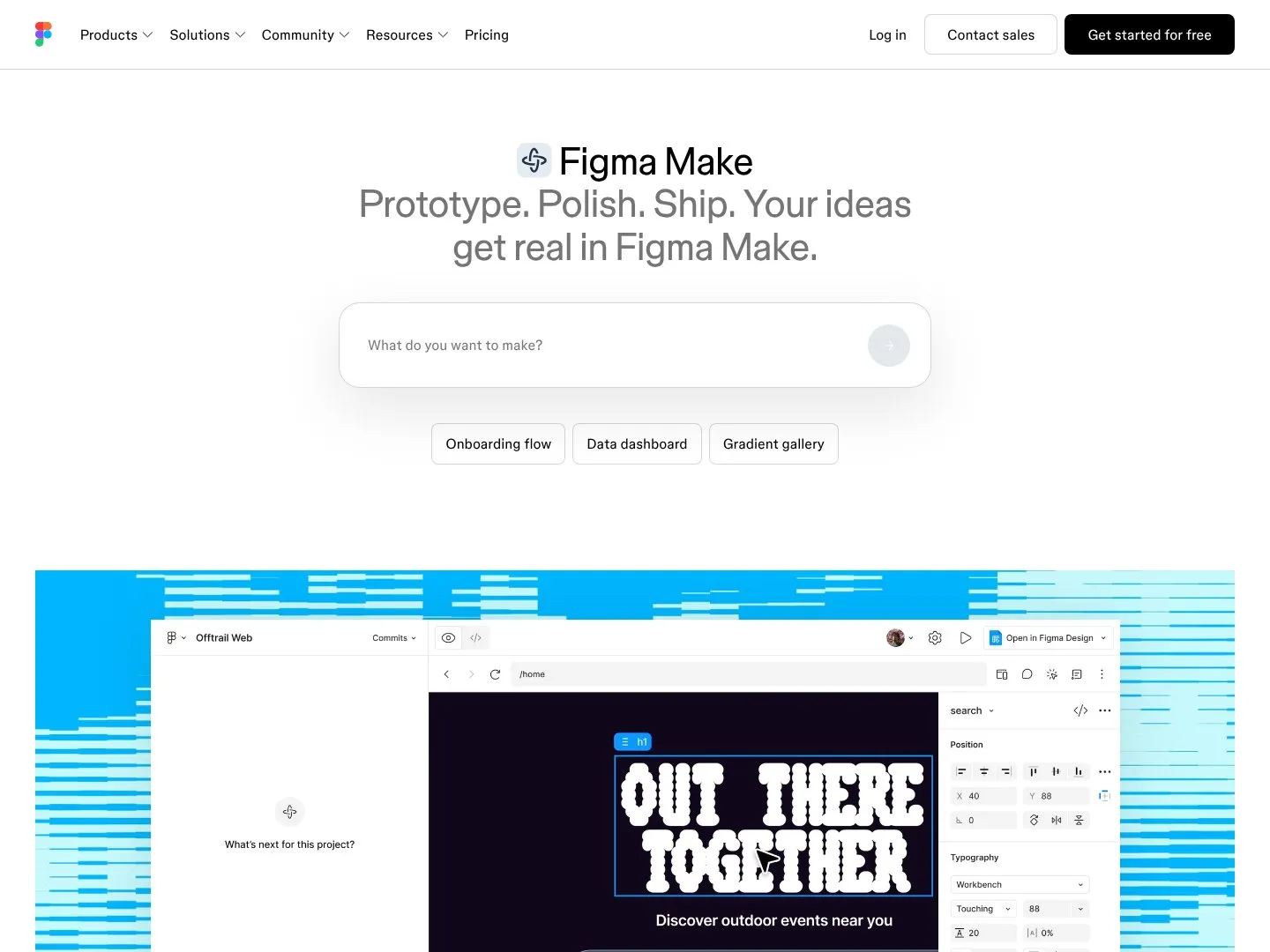
Figma Make is the obvious AI builder for designers whose work already lives in Figma, but its credit system makes it harder to budget than it looks. It turns prompts, existing Figma designs and attachments into functional prototypes and web apps. The output is code-backed and visually editable, and you can publish it to the web.
Make isn’t sold on its own. It comes with a Figma plan and seat, and it draws on the same pool of AI credits as Figma’s other AI features. Figma says its AI products, including Make, have moved out of beta.
What designers can do with it
Starting from your own Figma designs is the reason to pick Make over other AI builders. Most of its other features match what rivals offer.
- Attach your Figma designs, the headline feature. You can attach existing designs or components on any plan, as long as they’re components or sit inside a frame. Figma’s pages disagree on design URLs. One help article says you can add one under “Add context”, but the FAQ says pasting a Figma file URL into a prompt isn’t supported.
- Copy as design layers, a paid-only bridge back. On Professional and above, Make can turn its preview into editable layers in Figma Design. It’s a visual snapshot, though: edits don’t sync back and the layers aren’t linked to your design system.
- Point and edit for visual changes. You can click elements to style, swap or prompt them, add annotations and draw. Make also has version history with restore, but Figma Design’s own tools aren’t built in.
- Design systems as context, paid only. Make kits package a design system (npm packages, library styles, guidelines) for the AI to follow, and paid plans can pull styling from a Figma library. A guidelines.md file also guides output.
- A real backend, a nice extra. Payload is Make’s built-in backend, with a database, file storage, APIs, sign-in and an admin panel, hosted by Figma in the eastern US. Supabase is still available as a third-party connection.
- Code export with limits. You can view and edit code in the Files tab, download a .zip on Full or Dev seats, and push one-way to GitHub.
- Web only. Output is a web app or prototype. Figma doesn’t state native mobile output, though “Make on mobile” lets you build and comment from your phone.
How good is the design output?
Independent opinion is mixed and much of it is dated, so read it as a guide to strengths rather than a verdict. Writers like how quickly Make turns designs into something people can click through. The common worry is reliability and cost.
UX Collective’s Albert Mauri (September 2025) was positive about turning PRDs and Figma designs into shareable working prototypes for earlier user testing. He noted that output quality depends on how detailed your input is, and some steps stay manual. LogRocket’s Edward Chechique (mid 2025) found it promising for fast prototyping but buggy, clunky and prone to unrequested changes. Both reviews predate many 2026 features.
More recent comments focus on credits. Users on the Figma Community forum, in a thread from March and April 2026, report that fixing inaccurate output burns credits and costs are hard to predict. Some still value shareable prototypes for non-designers.
The real cost: how Figma AI credits work
Make is free to try on Starter, and on paid plans it comes with a Full seat. These are the prices on Figma’s pricing page (annual billing) when we checked on 22 November 2026, in US dollars with tax added by address:
- Starter: free, with 150 AI credits a day up to 500 a month. Public publishing needs the file on Figma Community too.
- Professional, Full seat: $16 a month per seat, with 3,000 AI credits a month.
- Organization, Full seat: $55 a month per seat, billed annually, with 3,500 credits.
- Enterprise, Full seat: $90 a month per seat, billed annually, with 4,250 credits.
Dev and Collab seats are cheaper and get 500 credits a month, but the pricing page lists Make only in the Full seat. Figma’s FAQ says those seats can create Make files in drafts only. Monthly-billing prices for Professional weren’t shown on the version of the page we could read. A second copy we retrieved showed Figma’s older per-editor pricing, so check figma.com/pricing before you buy.
Credits are where budgeting gets hard. One pool covers all Figma AI features, and each prompt’s cost depends on the model, how complex the task is and how much context you attach. Figma gives examples on the default model, as of February 2026. Changing a font costs about 30+ credits, making an attached design interactive about 75+, and generating an app from scratch about 100+.
On those figures, a Professional Full seat’s 3,000 credits cover at most about 30 apps from scratch or 40 make-interactive prompts. Starter’s 500 a month covers at most about five from-scratch apps.
Plan mode, conversation mode and adding a Payload backend all use credits too. Make’s built-in fix options (Auto fix and its one-click fix) are free. A new prompt to fix something isn’t, and undo doesn’t refund credits.
Seat credits reset monthly, don’t roll over and can’t be shared. When they run out, you can’t run AI actions until they reset or an admin steps in. Admins can buy an AI credits subscription, a shared pool where the price per credit falls with volume, or turn on pay-as-you-go up to a spend limit. Figma’s pricing page and help centre don’t list prices for either; the pay-as-you-go rate appears only in the Add credits flow.
Our advice: start on Starter to see how fast you burn credits on your kind of work. Check the cost of each prompt by hovering the credits icon under it, and use point and edit or the built-in fix options instead of fresh prompts. If a deadline depends on Make, ask your admin to set up extra credits before you run out mid-review.
Where it falls short
The main weakness is unpredictable credit spend that can stop your work mid-month.
- Running out blocks you. With no credits left you can’t complete AI actions, and users on Figma’s forum say this has blocked stakeholder reviews.
- The round trip is one-way. Copy as design layers is a snapshot, not a sync, and the layers aren’t linked to your design system.
- GitHub push is limited. It’s one-way, default branch only, one repo per Make file, with no GitHub Enterprise Server. GitHub and local codebase workflows aren’t yet available for Payload apps.
- Seat rules are confusing. Only Full seats can share and publish. Figma’s pages also disagree on which seats can download code.
- Published apps are public by link. Anyone with the URL can see a published version, unless you use password protection on paid plans or internal-only publishing on Organization and Enterprise.
- Few site controls. There’s no analytics dashboard (you add a Google Analytics ID), and SEO is handled automatically with no customisation.
- Access gaps. K-12 Education users can’t use Make, and Education and Government plans can’t buy extra credits.
Figma Make vs Lovable
Figma Make suits teams that already pay for Figma and want to start from their own designs. Lovable suits designers who want a dedicated app builder they can budget more easily. Lovable’s Pro plan starts at $25 a month for 100 credits plus 5 a day, and unused monthly credits roll over, which Figma’s seat credits don’t.
Lovable also syncs with GitHub both ways and can import Figma frames through its plugin, but it has no stated way to send work back to Figma as layers. See our Lovable review.
Should you use Figma Make?
Yes, if your team already has Figma Full seats, you want clickable prototypes of existing designs for user testing, or you need a quick hosted web app with a backend.
Not yet, if you need predictable monthly costs, you want two-way sync with Figma Design or GitHub, or you need to share work from a Dev or Collab seat.
How we reviewed Figma Make
This review is based on research, not yet on our own hands-on test. In we checked Figma’s pricing page, the Figma Make product page, Figma’s help centre and blog, and published reviews. Prices, credits and features come from Figma’s own pages, and where those pages disagree we say so.
Statements about output quality summarise what independent reviewers and users report. The opinions are our editors’ judgement based on that research, not test results. Next, we’ll build the same three projects we use for every vibe coding tool (a SaaS dashboard, a mobile onboarding flow and a landing page) and add our scores. See how we test.
Sources we checked
- Figma Make product page (opens in new tab) and Figma pricing (opens in new tab)
- Figma help centre: How Figma AI credits work (opens in new tab), Manage AI credits (opens in new tab), Explore Figma Make (opens in new tab), Figma Make FAQs (opens in new tab), Publish a Figma Make file (opens in new tab), Push to GitHub (opens in new tab), Edit the code (opens in new tab), Add a backend (opens in new tab), Guide to billing (opens in new tab)
- Updates to AI credits in Figma (opens in new tab) (Figma blog)
- Figma Make AI credit limits (opens in new tab) (Figma Community forum)
- Is Figma Make worth it? (opens in new tab) (AI Academy by Techpresso)
- Figma Make: the biggest shift in UX/UI since Sketch (opens in new tab) (UX Collective)
- Figma Make review (opens in new tab) (LogRocket)
Alternatives to Figma Make
See all →
Lovable
AI app builder with a visual editor

v0
Vercel's AI builder for React and Next.js apps

Claude Design
Anthropic's prompt-to-design tool inside Claude

Bolt.new
AI app builder in the browser
Frequently asked questions
Is Figma Make free?
Yes, on Figma's free Starter plan. You get 150 AI credits a day, up to 500 a month, and you can only publish to the public web if you also publish the file to Figma Community.
Which Figma plans and seats include Figma Make?
Figma's pricing page lists Figma Make in the Full seat on Professional, Organization and Enterprise, and it's on the free Starter plan. Figma's FAQ adds that Dev, Collab and View seats can create Make files in drafts only, without sharing or publishing. Figma doesn't sell Make on its own.
How do Figma Make AI credits work, and what happens when they run out?
Each prompt costs a variable number of credits depending on the model, the task and how much context is attached. Full seats get 3,000, 3,500 or 4,250 credits a month by plan, and they don't roll over. When they run out you can't run more AI actions until they reset, an admin raises your limit, or your team has bought extra credits.
Can you export code from Figma Make?
Yes. Figma's help centre says Full and Dev seats can download the code as a .zip. Make can also push one-way to a GitHub repository it creates, on the default branch only.
Can you publish a Figma Make site on a custom domain?
Yes. Professional allows 10 custom domains, shared with Figma Sites, and Organization and Enterprise allow as many as you need. On paid plans you need a Full seat to publish.
Figma Make or Lovable: which is better for designers?
Figma Make if your team already works in Figma and wants to turn existing designs into prototypes and copy results back as layers. Lovable if you want a dedicated app builder with two-way GitHub sync and credits that roll over.