Bolt.new review
Bolt.new pricing for designers: what the free plan covers, how tokens get used up and which plan fits. Plus where Bolt.new is strong and where it isn't.
 Sketch Focus Editorial Team
Research-based reviewNot yet tested hands-on · facts checked Nov 26, 2026How we test
From $25/mo
Free plan available
Our take so far
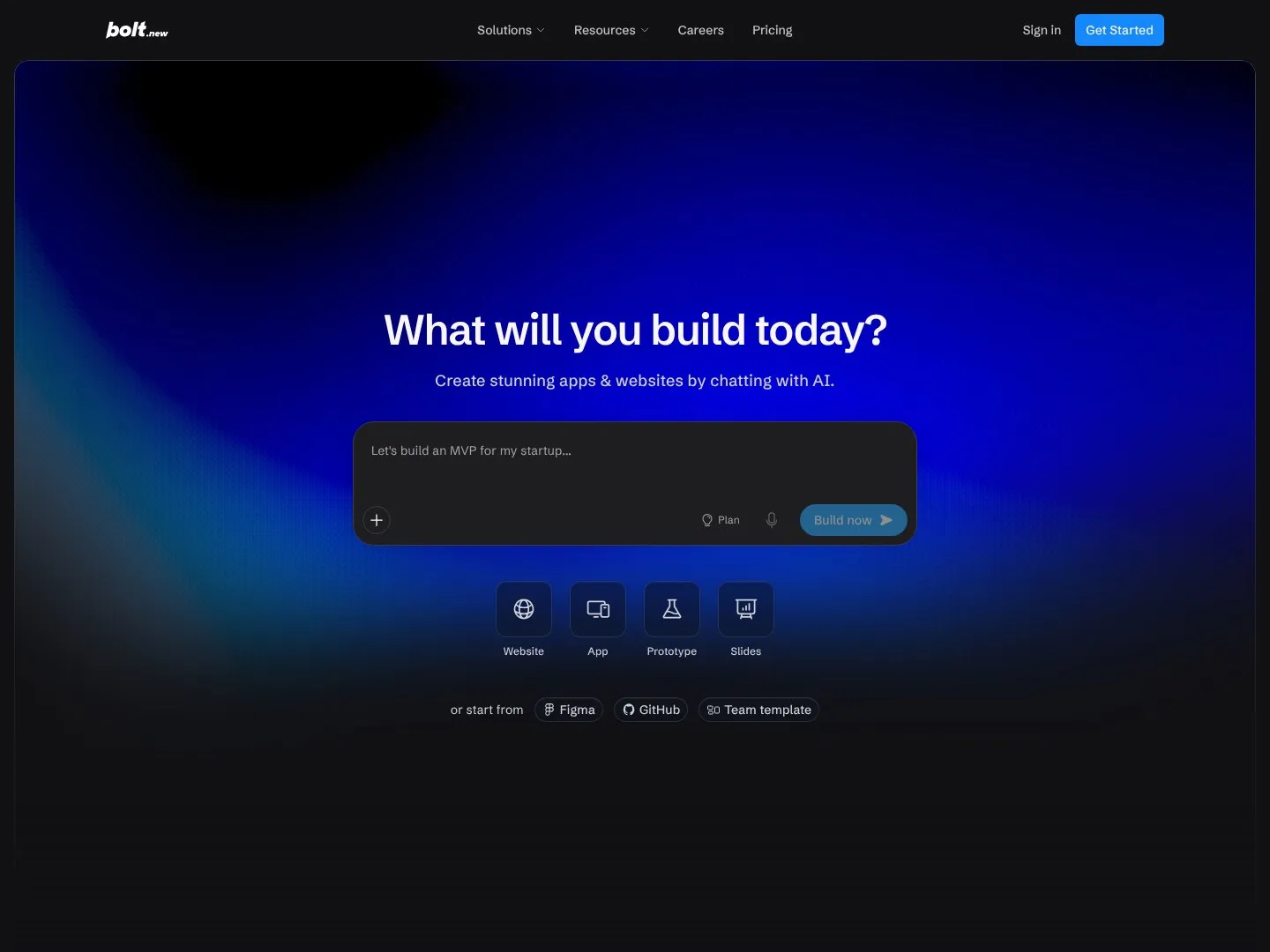
Bolt.new is a quick way for a designer to turn a prompt or a Figma frame into a live web or Expo mobile app, with real code you can see and take away. The catch is cost: tokens grow with your project, so long design iterations get expensive, and using your own design system needs the Teams plan.

Bolt.new
At a glance
Not scored yet. We only score tools after hands-on testing.
- What it is
- AI app builder in the browser
- Free plan
- Yes
- Paid from
- $25/mo
- Builds
- Websites, web apps, mobile (Expo)
- Design import
- Figma, Google Stitch
- Stack
- JavaScript only (React, Vue, Svelte, Next.js)
- Export
- Zip download, GitHub sync
- Hosting
- Built in (Bolt Cloud)
- Made by
- StackBlitz
Bolt.new pricing
Free
For trying it out
$0/mo
- 1M tokens a month, 300K a day
- Hosting on a bolt.host address
- Up to 3 collaborators per project
- Bolt branding on your site
Pro
For solo designers
$25/mo
- 10M tokens a month, no daily cap
- Unused tokens roll over for 2 months
- Custom domains, no Bolt branding
- Newest models, connectors and MCPs
Teams
For product teams
$30/user/mo
- Everything in Pro, per member
- Your own design system
- Centralised billing and admin, SSO
- Private npm registry support
Enterprise
For large organisations
Custom
- SOC 2 Type II and audit logs
- Dedicated account manager
- Billed by consumption
- 24/7 priority support
Usage is metered in tokens. Higher Pro tiers add more tokens, and yearly billing brings Pro to $18 a month and Teams to $27 per member. Prices from bolt.new, checked Nov 26, 2026. Plans change often, so confirm before you buy.
What Bolt.new is
Bolt.new is an AI app builder that runs in your browser, and it feels closer to a real development environment than most of its rivals. You get a code view and a terminal next to the chat. You describe what you want or import a design, and Bolt writes the code, runs it and shows a live preview you can keep editing by chat or by hand. It’s made by StackBlitz and runs on its WebContainers technology in the browser, so there is nothing to install.
Through Bolt Cloud, it also handles hosting, databases, domains and sign-in. That matters for designers: a prototype can go from idea to a shareable link without asking a developer for help. Every project can be published to a free bolt.host address, and paid plans can connect a custom domain. Every plan gets a Bolt database with email and Google sign-in, and Pro and Teams can use Supabase instead.
What designers can do with it
The reason to try Bolt as a designer is that it can start from your own work, not just a blank prompt.
- Figma import is the headline feature. Paste a frame URL on the homepage or in the chatbox and Bolt turns it into a working project (it uses Anima to do this). Expect the result to depend on how cleanly the frame is built.
- Design systems are where it gets serious, but you’ll pay for it. Chakra, Material UI and shadcn are pre-loaded to try. Adding your own system from a GitHub repo, npm package, Storybook, website or files needs the Teams plan ($30 per member). Bolt then generates a Storybook from your sources; setup takes 45 to 60 minutes.
- Visual edits in the preview (nice extra). The Select tool lets you change text, colours and styles directly in the preview on every plan. It’s free until you save, and saving uses tokens.
- Google Stitch works too, which is handy if you sketch ideas there first.
- Prompts are fine for rough ideas. Use Plan Mode to talk the idea through before Bolt writes any code. Bolt also advises smaller prompts, because large ones may only be partly built.
- The code is real and you can take it with you. Download a zip on desktop or connect GitHub, which syncs commits automatically and supports branches. You can also import an existing GitHub repo.
- Mobile is possible through Expo. Bolt builds iOS and Android apps you can test with Expo Go, but you need to say “mobile app” in your first prompt.
How good is the design output?
Reviewers and users mostly talk about speed and cost, not visual polish, so the evidence on design quality is thin. Jovan Chan on DEV Community (June 2026) praised the no-setup browser workflow, Figma import, GitHub sync and zip export for prototypes and MVPs. He warned that token use climbs quickly on complex projects and that Bolt is weak on custom back-end logic.
All About Cookies (updated August 2026, a site with affiliate links that include a Bolt competitor) liked the feature set, integrations and model choice. It called the free plan weak and criticised token-heavy back-end debugging. It also said Bolt had no visual editor, but Bolt’s release notes list visual edits from September 2026.
On Trustpilot, Bolt.new had 2.1 out of 5 from 217 reviews when we checked on 22 November 2026. Recurring praise is how fast you can build prototypes and a beginner-friendly interface.
Our editorial view: judge Bolt by how well it brings an existing design to life, not by what it invents from a text prompt. A clean Figma frame or a real design system gives it far more to work from. We’ll score design quality after our own hands-on test.
The real cost: how tokens work
The $25 price is not what you’ll pay if you iterate a lot. Bolt meters everything in tokens, and we checked these prices on 22 November 2026 (USD):
- Free: 1M tokens a month, capped at 300K a day. Enough to try it properly, not to build a project.
- Pro: from $25 a month for 10M tokens with no daily cap. Higher Pro tiers add more tokens (Bolt’s billing help mentions $100 a month for 55M). Unused tokens roll over for two months.
- Teams: $30 per member a month. The help centre says tokens are assigned to each member and not shared, though the pricing page mentions shared capacity.
- Extra tokens: only the highest monthly Pro tier or an annual Pro plan can buy reloads. Reload tokens never expire, but Bolt doesn’t publish their price.
Paying yearly brings Pro 10M to $18 a month ($216 a year, against $300 billed monthly) and Teams to $27 per member a month ($324 a year); Bolt says yearly billing saves up to 28%. From 1 November 2026, billing runs through Link, which adds VAT or sales tax where required.
The part that catches people out: Bolt’s own help centre says most tokens go on reading and syncing your project files. So the same small request costs more as your project grows, and nudging visual details by prompt is the most expensive way to work. Plan bigger changes in Plan Mode, and make small text or style tweaks yourself in Code view, which uses no tokens.
Our advice: start on Free, build one real screen and watch the token meter before you pay. If one screen uses most of a day’s 300K tokens, a full project will be expensive on Pro too.
Where it falls short
Bolt’s weak spots are cost and reliability on bigger projects, not missing features.
- Costs are hard to predict. Fast token burn is a recurring complaint on Trustpilot, and both Jovan Chan and All About Cookies warn about token use on complex projects.
- Fixes and crashes cost you. Trustpilot reviewers report crashes that lose progress and high costs, and All About Cookies criticises token-heavy back-end debugging.
- Production apps still need a developer. Jovan Chan calls Bolt weak on custom back-end logic, so someone has to read the code, check security and handle edge cases before real users rely on it.
- JavaScript only. Bolt builds JavaScript-based apps, and back ends must be JavaScript too. If your team works in PHP or Python, Bolt can’t build that back end.
- Free sites can go offline. A Free site that passes its hosting limits goes offline for the rest of the month, and Free limits can’t be raised.
- Training is on by default in most regions. A “Model training” setting is on by default for content created from 7 October 2026, except in the EU, UK and Switzerland.
Bolt.new vs Lovable
Both start at $25 a month and both turn prompts into working apps, but they suit different designers. Pick Lovable if you’d rather refine visually and want design systems on its $25 Pro plan. Pick Bolt if you want to see and edit the code, build an Expo mobile app, or start from Google Stitch. See our Lovable review and our Lovable vs Bolt comparison.
Should you use Bolt.new?
Yes, if you want to turn Figma frames into something people can click, test and share, or you want real code you can hand to a developer.
Not yet, if you want polished UI from a prompt alone, your app needs complex back-end logic, or your budget can’t absorb a bill that grows with your project.
How we reviewed Bolt.new
This review is based on research, not yet on our own hands-on test. In we checked Bolt’s pricing page, help centre, release notes and StackBlitz’s terms, plus published reviews and user ratings. Prices and features come from Bolt’s own pages, and where those pages disagree we say so.
Statements about design quality and reliability summarise what independent reviewers and users report. The opinions are our editors’ judgement based on that research, not test results.
Next, we’ll build the same three projects we use for every vibe coding tool (a SaaS dashboard, a mobile onboarding flow and a landing page) and add our scores. See how we test.
Sources we checked
- Bolt pricing (opens in new tab)
- Bolt help centre: billing (opens in new tab), tokens (opens in new tab), hosting plans (opens in new tab), Figma import (opens in new tab), design systems (opens in new tab), GitHub (opens in new tab), Expo (opens in new tab), supported technologies (opens in new tab), FAQ (opens in new tab)
- Bolt release notes (opens in new tab) and StackBlitz terms (opens in new tab)
- Bolt.new review (opens in new tab) (All About Cookies, affiliate-funded)
- Bolt.new review 2026 (opens in new tab) (Jovan Chan, DEV Community)
- Bolt.new on Trustpilot (opens in new tab)
Bolt.new compared
Alternatives to Bolt.new
See all →


Update history
How we keep pages current- Added yearly prices from bolt.new: Pro is $18 a month billed yearly ($216 a year) and Teams $27 per member a month ($324 a year).
First published
Frequently asked questions
Is Bolt.new free?
Yes. The Free plan gives you 1M tokens a month with a 300K daily cap, hosting on a bolt.host address and up to 3 collaborators per project. Sites carry Bolt branding, and free tokens don't roll over.
How much does Bolt.new cost?
Pro starts at $25 a month for 10M tokens with no daily cap. Bigger Pro tiers add more tokens, Teams costs $30 per member a month, and paying yearly brings Pro to $18 a month ($216 a year) and Teams to $27 per member a month. We checked these prices on 26 November 2026.
Can Bolt.new turn a Figma design into code?
Yes. You paste a Figma frame URL on the homepage or in the chatbox, and Bolt uses Anima to turn the design into a working project. Bolt can also import Google Stitch designs.
Can I export my Bolt.new project?
Yes. You can download the project as a zip on desktop, or connect GitHub, which backs up your code, syncs commits automatically and supports branches. Bolt says the code you create is yours to use commercially.
Why does Bolt.new use so many tokens?
Most tokens go on Bolt reading and syncing your project files, so every message costs more as the project grows. Edits you make yourself in Code view don't use tokens.
Can Bolt.new build mobile apps?
Yes, through Expo, for iOS and Android. Say "mobile app" in your first prompt, because Bolt says web projects don't easily switch to mobile later.
Is Bolt.new or Lovable better for designers?
Lovable if you want design systems from its $25 Pro plan and prefer to refine by clicking. Bolt if you want a code view next to the chat, native mobile apps through Expo, or Google Stitch import, and can live with token costs that grow with your project.