Base44 review
Our Base44 review for designers: what it builds well, whether the free plan is enough, how credits and pricing work, and when to pick something else.
 Sketch Focus Editorial TeamLast updated
Research-based reviewNot yet tested hands-on · facts checked Nov 22, 2026How we test
From $20/mo
Free plan available
Our take so far
Base44 is a quick route from a prompt, screenshot or Figma frame to a working app with login and data, and its direct canvas edits cost no credits. The catch is control: code export needs the $50 Builder plan, exported code still runs on Base44's backend, and you can't buy extra credits, only upgrade.

Base44
At a glance
Not scored yet. We only score tools after hands-on testing.
- What it is
- AI app builder with a built-in backend and hosting
- Free plan
- Yes
- Paid from
- $20/mo
- Builds
- Web apps and websites
- Design import
- Figma frames, images, PDFs
- Stack
- React, TanStack Start, Tailwind, shadcn/ui
- Backend
- Built in (database, login, functions)
- Export
- GitHub sync and ZIP on Builder and up
- Made by
- Base44, acquired by Wix (2025)
Base44 pricing
Free
For trying it out
$0/mo
- 25 message credits a month, max 5 a day
- 100 integration credits a month
- Up to 5 apps
- New private apps need a paid plan
Starter
For a first live project
$20/mo
- 100 message credits a month
- 2,000 integration credits a month
- Unlimited apps, custom domain
- In-app code edits
Builder
For designers who want control
$50/mo
- 250 message credits a month
- 10,000 integration credits a month
- Workspace design system
- GitHub sync and ZIP export
Pro
For heavier building
$100/mo
- 500 message credits a month
- 20,000 integration credits a month
- Everything in Builder
- Early access to beta features
Elite
For high-volume teams
$200/mo
- From 1,200 message credits a month
- From 50,000 integration credits a month
- Everything in Pro
- Priority support
Enterprise
For large organisations
Custom
- Tailored credit package
- SCIM and audit logs
- Static outbound IPs
- Dedicated account manager
Usage is metered in two credit types: message credits for AI building work and integration credits for built-in services your app uses. Yearly billing saves 20%, unused credits don't roll over, and extra credits can't be bought. Prices from base44.com, checked Nov 22, 2026. Plans change often, so confirm before you buy.
What Base44 is
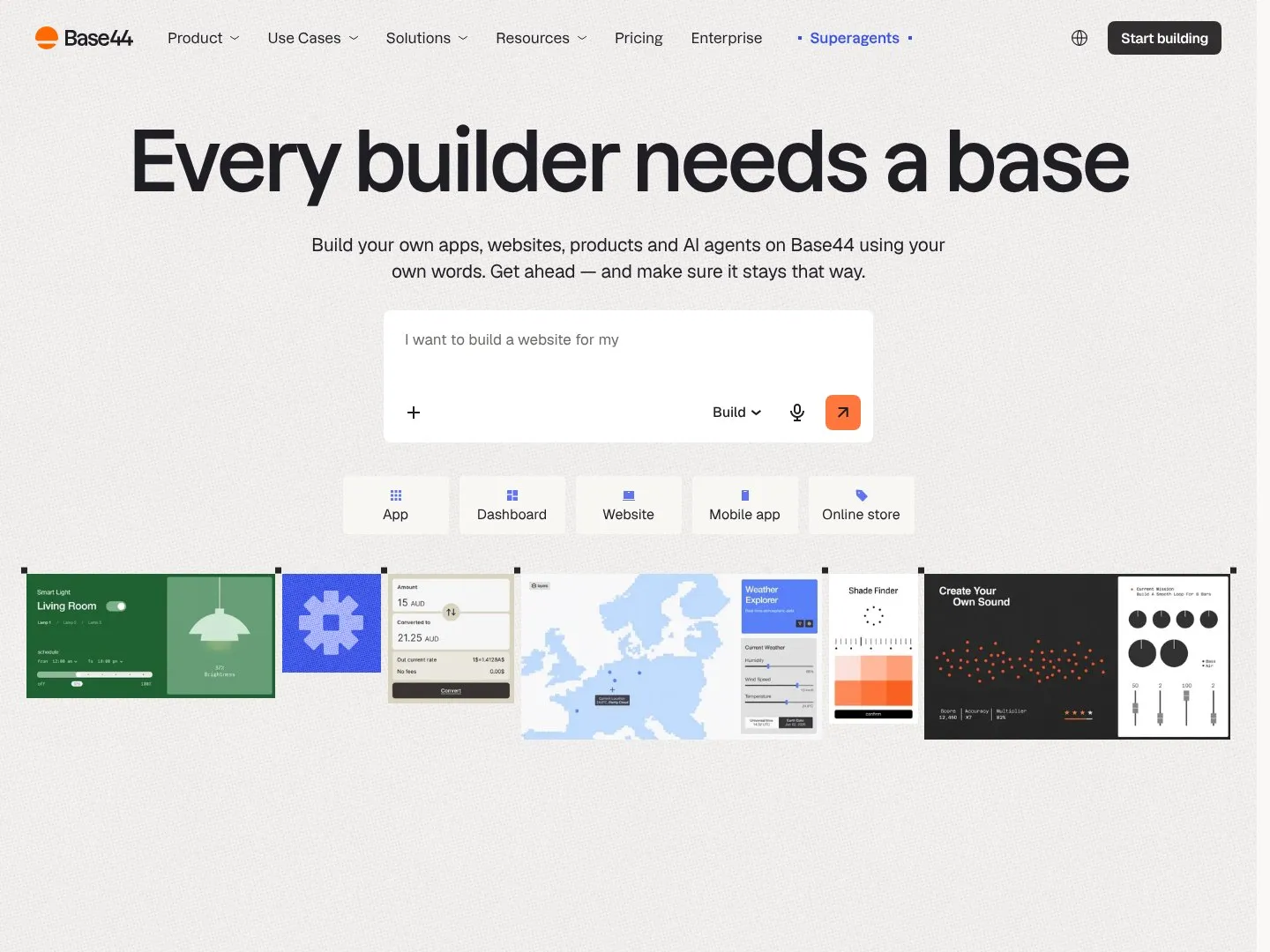
Base44 is a quick, low-cost way for a non-developer to get a working app with real logins and data. For designers, it’s let down by how tightly your work stays tied to the platform. You describe an app in plain language, and Base44 builds the front end, backend, database, user login and hosting in one go.
Wix announced its acquisition of Base44 on 18 June 2025, and the Base44 Terms of Service now name Wix.com Ltd. as the operator of the service. Apps run on React with TanStack Start, Vite, Tailwind CSS and shadcn/ui, and everything is hosted on Base44, on a free base44.app address or a custom domain you connect.
What designers can do with it
Base44 gives designers several ways in, but the features that matter most sit on the $50 Builder plan.
- Start from a prompt, a screenshot or a Figma frame (headline feature). You can attach images and PDFs as visual reference, or import a Figma frame to start a new app and add more frames as pages later. Figma import needs a Full or Dev seat and a frame link anyone can view, and Base44 warns that unusual fonts, effects or complex variables can look different.
- Edit on the canvas without spending credits (headline feature). Select mode lets you style individual elements, and dragging, changing layouts or editing text directly uses no credits. That’s the cheapest way to do visual polish.
- Theme and design system (paid-only for the full version). Every plan has a theme panel for global colours and fonts. A workspace design system for colours, fonts, logo and components needs Builder or higher, with one per workspace.
- Plan before you build (nice extra). Plan mode lets the AI lay out its approach before it writes anything, which helps you catch a wrong direction early.
- App store files (paid-only). Base44 builds web apps you can add to a phone home screen, and it can generate files for the Apple App Store and Google Play. Those run your app in a web view. Downloading them needs Builder or higher, and you pay for your own developer accounts.
- Team comments and shared canvas (nice extra). The pricing page lists multi-user editing on every plan, and you can pin comments to elements.
- Code access (weak spot). In-app code edits start on Starter, but GitHub sync and ZIP export need Builder, and the code still depends on Base44 to run.
How good is the design output?
Reviewers rate Base44’s first draft well, but most judge it on ease of use rather than visual craft. Website Builder Expert’s review (December 2025) found the first draft strong and beginner-friendly. Tech.co (updated November 2026) rates it highly for ease of use and the free plan.
Users are more divided. On Trustpilot, Base44 had a TrustScore of 2.7 out of 5 from 925 reviews when we checked on 22 November 2026. Recent complaints focus on credits used on repeated AI failures, while other reviewers praise building an app without code.
Our editorial view: because apps are built on Tailwind CSS and shadcn/ui, expect familiar defaults unless you give it direction. Set your colours and fonts in the theme panel early, attach a reference image, or import a Figma frame. On Builder, a workspace design system keeps every new app on brand.
The real cost: two kinds of credits
Base44 is cheap to start, but you have to budget two separate credit pools and you can’t top either up. We checked all prices on 22 November 2026; the pricing page shows a “$” sign, and the billing docs say most customers pay in US dollars.
| Plan | Monthly | Yearly (per month) | Message credits | Integration credits |
|---|---|---|---|---|
| Free | $0 | $0 | 25 (max 5 a day) | 100 |
| Starter | $20 | $16 | 100 | 2,000 |
| Builder | $50 | $40 | 250 | 10,000 |
| Pro | $100 | $80 | 500 | 20,000 |
| Elite | from $200 | from $160 | from 1,200 | from 50,000 |
Business and Enterprise prices aren’t published. The billing docs describe a Business plan with 2,400 to 5,400 message credits a month, plus SSO, data residency and backup and restore.
Message credits pay for asking the AI to plan, change or fix your app, with no fixed price per message. Base44’s own estimates are about 0.5 credits for a simple visual or text change and about 1 for a small feature. A complex module is about 2, and an app-wide change 3 to 4. On those estimates, Starter’s 100 credits cover roughly 100 small features, or far fewer if you make many app-wide changes.
Integration credits pay for the built-in services your app uses once it’s running. Base44 estimates about 1 credit per email sent, 1 per generated image, 1 per AI call on Automatic, and 1 per 100 backend function runs. Reading and writing your app’s data costs nothing, and so do outside services called with your own API key.
A few billing rules matter more than the headline price:
- No rollover. Monthly credits expire at the next reset. The one exception: upgrading to a higher monthly plan carries unused credits over for one more cycle.
- No top-ups. New top-ups aren’t sold. The only way to get more credits is to upgrade.
- Yearly is a commitment. Plans are non-refundable under the Terms, you can’t switch from yearly to monthly, and you can’t pause a subscription.
- Discounts are unclear. The docs offer 50% off Starter or Builder for verified academic users, while the pricing page FAQ says education pricing is case by case.
Our advice: make every visual change by dragging and editing on the canvas, because that’s free, and keep message credits for real features. Start on Starter monthly to see how fast you use credits before you commit to a year. If you know you’ll want your code in GitHub or a workspace design system, go straight to Builder.
Where it falls short
Base44’s main weakness is lock-in: you can’t take your app and run it elsewhere.
- Exported code still needs Base44. ZIP export and GitHub sync need Builder, and the exported code uses the Base44 SDK for data, login, functions and integrations. Base44 doesn’t support self-hosting. The pricing page FAQ says nothing is locked to the platform, but the developer docs say otherwise.
- GitHub sync comes with strings. Only app owners can connect, changes sync automatically with no manual push, and you can’t go back to versions from before you connected.
- Running out of credits breaks live apps. When integration credits run out, backend functions stop. Your app’s users see a general error that doesn’t mention credits.
- Credits aren’t refunded for AI mistakes. That matches recent Trustpilot complaints (October 2026): credits spent on repeated failures, plus refused refunds on annual plans and slow support.
- The Free plan is narrow. New private apps need Starter, Free databases are limited to 200 MB per app (for apps created from 18 October 2026), and automatic fixes use message credits on Free.
- Cancelling has knock-on effects. Your workspace drops to Free at the end of the period, only 5 apps stay published, and custom domains stop working.
- Training on your data isn’t clearly settled. The Terms grant Base44 a licence to use customer data for model training. The security page lists a workspace opt-out, and the billing docs list training exclusion as an Enterprise feature. Check this before you build client work.
Base44 vs Lovable
Lovable is the stronger pick for most designers, and Base44 wins on entry price and mobile store files. Lovable includes design systems from its $25 Pro plan, while Base44 asks for the $50 Builder plan. Lovable offers Git sync on every plan, rolls unused credits over and sells top-ups. Base44 does none of those.
Base44’s Starter plan costs $20 and includes a custom domain, and its canvas drag and layout edits are free. It can also generate App Store and Google Play files on Builder, where Lovable builds web apps only. See our Lovable review.
Should you use Base44?
Yes, if you want a working app with login and data without code, you prefer polishing visuals on a canvas, or you need a simple app store version.
Not yet, if you need to own and host your code, your app will send lots of email, or you need predictable costs with the option to top up.
How we reviewed Base44
This review is based on research, not yet on our own hands-on test.
In we checked Base44’s pricing page, billing, credits, design and developer documentation, its security page and Terms of Service, plus Wix’s acquisition announcement and published reviews. Prices and features come from Base44’s own pages, and where those pages disagree we say so. Statements about design quality and reliability summarise what independent reviewers and users report. The opinions are our editors’ judgement based on that research, not test results.
Next, we’ll build the same three projects we use for every vibe coding tool (a SaaS dashboard, a mobile onboarding flow and a landing page) and add our scores. See how we test.
Sources we checked
- Base44 pricing (opens in new tab), billing and plans (opens in new tab), credits (opens in new tab) and student discount (opens in new tab)
- Base44 docs: first prompt (opens in new tab), Figma import (opens in new tab), design (opens in new tab), design system (opens in new tab), developer tools (opens in new tab), GitHub (opens in new tab), app code (opens in new tab)
- Base44 docs: custom domains (opens in new tab), mobile experience (opens in new tab), app stores (opens in new tab), security overview (opens in new tab)
- Base44 security (opens in new tab) and Terms of Service (opens in new tab)
- Wix acquisition of Base44 (opens in new tab) (Wix press release)
- Base44 review (opens in new tab) (Website Builder Expert) and Base44 review (opens in new tab) (Tech.co)
- Flaw in Base44 exposed private enterprise applications (opens in new tab) (SecurityWeek)
- Base44 on Trustpilot (opens in new tab)
Base44 compared
Alternatives to Base44
See all →



Frequently asked questions
Is Base44 free?
Yes. The Free plan gives you 25 message credits a month (no more than 5 a day), 100 integration credits a month and up to 5 apps. Since 6 February 2026, creating a new private app needs Starter or above.
How much does Base44 cost?
Starter costs $20 a month ($16 a month billed yearly), Builder $50 ($40), Pro $100 ($80) and Elite starts at $200 ($160). Business and Enterprise prices aren't published. We checked these prices on 22 November 2026.
How do Base44 credits work?
Message credits pay for asking the AI to plan, change or fix your app, and Base44 estimates about 0.5 credits for a simple visual change and 3 to 4 for an app-wide change. Integration credits pay for built-in services your app uses, such as sending email (about 1 credit each), generating images or running backend functions. Both reset monthly and unused credits expire.
Is Base44 safe?
Base44 states SOC 2 Type II and ISO 27001 certification, encryption in transit and at rest, and a basic security scan on every plan. It also says you're responsible for your own app's security settings. In July 2025 SecurityWeek reported an authentication flaw found by Wiz researchers, which Wix patched within 24 hours.
Can you export Base44 code?
Yes, on Builder ($50 a month) or higher, through two-way GitHub sync or a ZIP download of a standard React and Vite project. The exported code still relies on Base44's backend for data, login and functions, and Base44 doesn't support self-hosting.
Can you use a custom domain on Base44?
Yes, on Starter or higher, with SSL issued and renewed automatically. Yearly plans include one free domain for the first year if you claim it within 60 days. Every app also gets a free base44.app address.
Is Base44 or Lovable better for designers?
Lovable, for most designers: its design systems come with the $25 Pro plan, Git sync works on every plan and unused credits roll over. Base44 suits you if you want a cheaper $20 entry plan with a custom domain, or app store files for a mobile version.