Claude Design review
Is Claude Design free? Which plans include it, what the limits are and whether paying is worth it for a designer, plus where Claude Design falls short.
 Sketch Focus Editorial Team
Research-based reviewNot yet tested hands-on · facts checked Nov 22, 2026How we test
From $20/mo
Free plan available
Our take so far
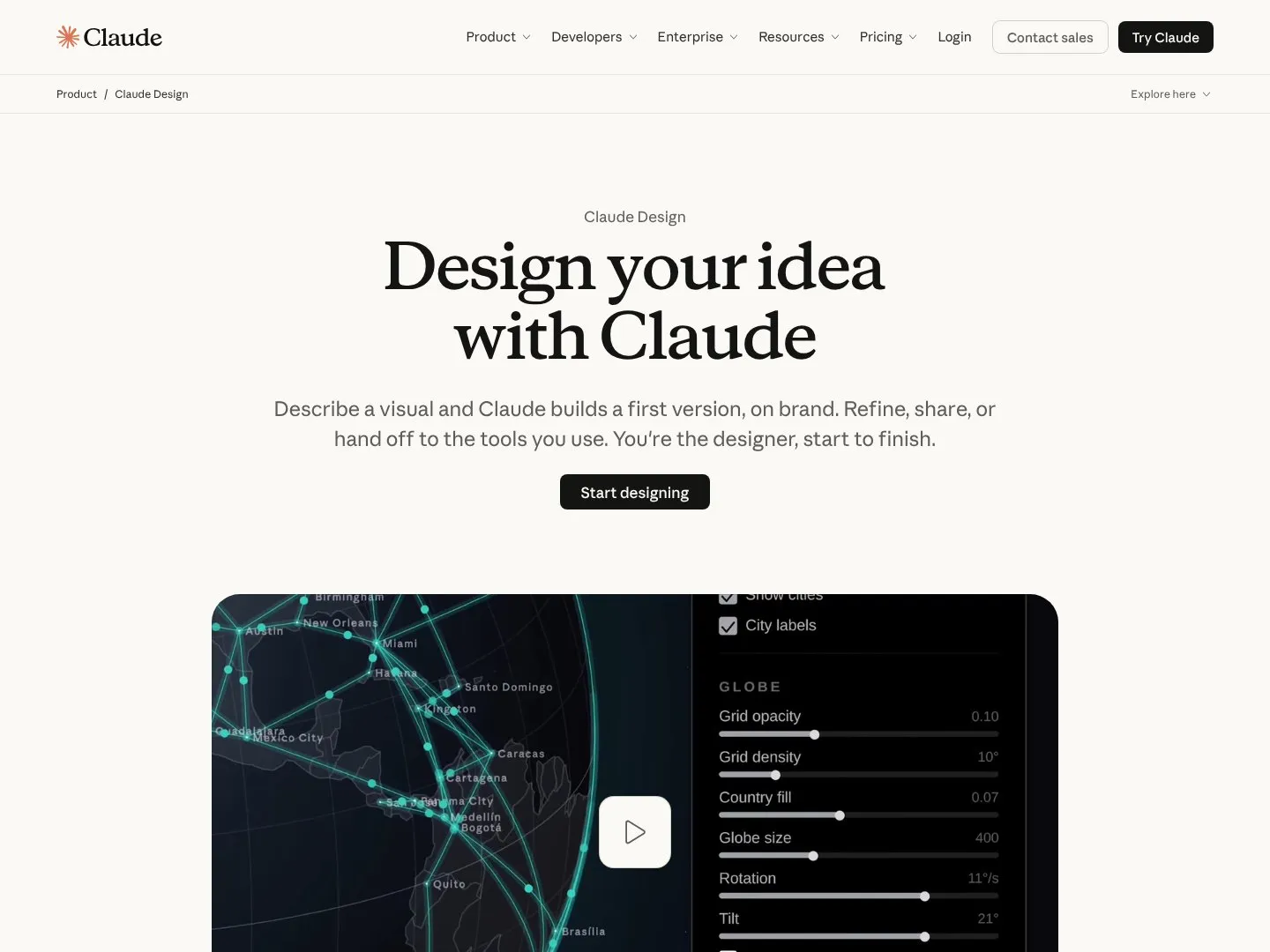
Claude Design is the cheapest way into AI design for anyone already paying for Claude, and its canvas editing and Claude Code handoff suit designers who work close to code. The catch: it shares one usage limit with everything else you do in Claude, it has no version history yet, and there's no stated route back into Figma.

Claude Design
At a glance
Not scored yet. We only score tools after hands-on testing.
- What it is
- Anthropic's prompt-to-design tool inside Claude
- Free plan
- Yes
- Paid from
- $20/mo
- Builds
- Designs, prototypes, slides, one-pagers
- Input
- Prompts, images, documents, GitHub repos
- Design systems
- From a repo, design files or codebase (beta)
- Export
- PDF, PPTX, HTML, .zip, Claude Code
- Figma export
- Not stated by Anthropic
- Runs in
- Claude chats, Claude Code, Artifacts tab
- Made by
- Anthropic
Claude Design pricing
Free
For trying it out
$0/mo
- Claude Design included
- Limited usage every 5 hours and every week
- No usage credits to keep going
- No data storage in artifacts
Pro
For solo designers
$20/mo
- $17 a month billed yearly ($200 up front)
- More usage than Free
- Usage credits available
- Claude Code included
Max
For heavy daily use
$100/mo
- 5x Pro usage
- Usage credits available
- $100 a month in API credits
- Priority access at busy times
Ultra
For very heavy use
$200/mo
- No 5-hour limit for verified accounts
- 10x Pro usage every week
- Usage credits available
- $200 a month in API credits
Team Standard
For design teams of 2 to 150
$25/seat/mo
- $20 a seat billed yearly
- More usage than Pro
- Usage credits available
- Mix with Premium seats
Team Premium
For the team's heaviest users
$125/seat/mo
- $100 a seat billed yearly
- 5x the usage of a Standard seat
- Usage credits available
Enterprise
For large organisations
$20/seat/mo
- Billed yearly, 20 seat minimum
- Plus usage at API rates
- Admin spend limits
- SCIM, audit logs, Compliance API
No separate price: Claude Design comes with every Claude plan and uses the plan's shared usage limits. On paid plans you can switch on usage credits, billed at API rates, to keep working past the limit. Prices from claude.com, checked Nov 22, 2026. Plans change often, so confirm before you buy.
What Claude Design is
Claude Design is a good-value AI design tool for anyone already on a Claude plan, but it’s a prototyping companion, not a Figma replacement. Anthropic launched it on 17 April 2026, and it now lives inside Claude itself. You describe a visual, Claude builds a first version, and you refine it on a canvas before sharing it, exporting it or passing it to Claude Code.
It covers mockups, prototypes, landing pages, slides and one-pagers. You can feed it screenshots, wireframes, documents, a GitHub repo or your design system so the result looks like your product. It runs in any Claude conversation, in Claude Code through the /design command and in the Artifacts tab. The old standalone site, claude.ai/design, closes on 14 December 2026.
What designers can do with it
The canvas editing and the Claude Code handoff are what set Claude Design apart. The rest is solid but familiar from other AI builders.
- Element-level editing is the headline feature. You can comment on any element, edit text directly, use sliders for spacing and colour, and drag, resize and align on the canvas. That’s far closer to how designers work than rewriting a prompt.
- Your design system can steer the output. Import one or several systems from a GitHub repo, design files, uploads or a local codebase, and Claude checks its output against them before you see it. Admins can lock a team to one approved system. Anthropic labels design systems as beta, and says the first extraction may not capture a brand well.
- Handoff to Claude Code matters if you work near developers. From Claude Code,
/designcan import a design into a codebase, export it as a live prototype or build the full project. You can also download a .zip or standalone HTML. - Wide export list, a nice extra. PDF, PPTX, Google Slides and HTML are all there, plus 15 send-to destinations in Anthropic’s Help Centre, among them Canva, Lovable, Replit, v0, Base44, Gamma, Miro, HubSpot and three Adobe products. Exporting a project archive doesn’t count towards your usage limits.
- Rich reference input. It accepts screenshots, images, wireframes, slide decks and DOCX, PPTX and XLSX files. The launch post also mentions a web capture tool for grabbing elements from your own site.
- Collaboration is a weak spot. You can share with view, comment or edit access, but Anthropic’s Help Centre says multi-person editing is basic and may be unreliable.
How good is the design output?
Early reviewers liked the first results and the editing loop, but nobody we’ve read calls it ready for a professional product team. All of the views below are from April 2026, before several updates, so treat them as early impressions.
PCWorld’s Ben Patterson got a polished interactive page from a single prompt in about five minutes. MacStories’ John Voorhees said element-level commenting made iteration faster and the Claude Code handoff simple. Fast Company’s Grace Snelling likened it to a very fast colleague and praised the inline comments and sliders, though she didn’t test claims for professional designers.
The criticism is consistent too. MacStories reported bugs, rough edges and slow, token-heavy image handling. MindStudio’s blog, whose publisher sells its own app builder, said Figma remains necessary for professional product teams and listed missing vector editing and version history. Some of its points, on design systems and collaboration, predate later Anthropic updates.
The real cost: how shared usage limits work
Claude Design costs nothing extra, but it competes with everything else you do in Claude for the same allowance. There is no separate design credit system. Anthropic used to give Claude Design its own weekly allowance and has since folded it into each plan’s shared limits.
These are the plans on Claude’s pricing page when we checked on 22 November 2026. Prices are in US dollars and exclude tax.
- Free: $0, with “limited usage” every 5 hours and every week. No usage credits, so Claude Design stops until the limit resets.
- Pro: $20 billed monthly, or $17 a month billed yearly ($200 up front). More usage than Free, and you can buy usage credits.
- Max: $100 a month for 5x Pro usage, plus $100 a month in API credits for the Claude Platform.
- Ultra: $200 a month, no 5-hour limit for verified accounts, 10x Pro usage every week and $200 a month in API credits.
- Team: Standard seats cost $25 monthly or $20 billed yearly. Premium seats cost $125 or $100 and get 5x the usage of Standard.
- Enterprise: US$20 a seat a month, billed yearly with a 20 seat minimum, plus usage at API rates.
Anthropic doesn’t publish numeric limits for any plan. It says larger requests, such as a full design or deck, large codebases and many iterations, use more of the limit than a typical message. How fast you reach the limit also depends on the model, chat length and file size.
Usage credits are Anthropic’s overage option on paid plans, billed at standard API rates with no dollar figures in the Help Centre. You can set a monthly cap, auto-reload and usage alerts. Credits bought on or after 7 December 2026 generally expire after 12 months. The API credits that come with Max, Ultra and Team don’t count towards usage in Claude or Claude Code.
For a sense of scale, PCWorld’s reviewer said about 25 minutes of work used roughly 80% of the then weekly Claude Design allowance on Pro. That was under the old separate allowance, so it doesn’t map directly onto today’s shared limits.
Our advice: try it on Free first, then move to Pro if you want to use it weekly. Do small visual changes with comments and sliders rather than new prompts, and watch your limit before a big deck or a large repo import. If you also use Claude Code heavily, expect to hit the shared limit sooner and look at Max.
Where it falls short
The biggest gap for most designers is the missing route back into Figma. Anthropic doesn’t state a Figma export, and its list of destinations doesn’t include Figma.
- No version history yet. Anthropic lists this among known limits, which matters for any tool you iterate in.
- Shared limits are hard to predict. There are no published numbers, and design work draws from the same pool as your chats and Claude Code.
- Known bugs. Inline comments sometimes fail to appear, very large repositories can cause lag or browser issues, and a “chat upstream error” may need a new chat tab.
- Mouse or trackpad needed. Adding text layers, artboards, shapes or notes needs one. You can’t change sharing settings in the iOS or Android app.
- No stated custom domains or backend. Designs get share links and public artifact links, but Anthropic doesn’t state custom domain support or a backend for Claude Design.
- Status is muddled. The pricing page and Help Centre say every plan includes it, with no beta label. A June 2026 Anthropic blog post says “in beta on paid plans”, and Anthropic’s pages also disagree on whether it’s on by default for Enterprise.
- The standalone site is closing. If you used claude.ai/design, move your projects before 14 December 2026. Chats and comments don’t move, and originals left behind are deleted some time after closure.
Claude Design vs Figma Make
Figma Make is the better fit if your team’s work lives in Figma, and Claude Design if your work leans towards code and slides. Figma Make can attach your existing Figma designs and, on paid plans, copy its output back as editable Figma layers. Claude Design has no stated Figma export, but it adds slides, a broad send-to list and handoff to Claude Code.
On price, Claude Design rides on a Claude plan you may already have, while Figma Make comes with a Figma Full seat and uses AI credits. See our Figma Make review.
Should you use Claude Design?
Yes, if you already pay for Claude, you want quick prototypes, landing pages or decks without another subscription, or you hand work to developers who use Claude Code.
Not yet, if your team needs a round trip with Figma, you need version history, or you can’t risk losing access when a limit runs out mid-week.
How we reviewed Claude Design
This review is based on research, not yet on our own hands-on test. In we checked Claude’s pricing page, the Claude Design product page, Anthropic’s Help Centre and Claude Code documentation, Anthropic’s announcements and published reviews. Prices and features come from Anthropic’s own pages, and where those pages disagree we say so.
Statements about design quality summarise what independent reviewers report. The opinions are our editors’ judgement based on that research, not test results.
Next, we’ll build the same three projects we use for every vibe coding tool (a SaaS dashboard, a mobile onboarding flow and a landing page) and add our scores. See how we test.
Sources we checked
- Claude Design product page (opens in new tab) and Claude pricing (opens in new tab)
- Claude Help Centre: Get started with Claude Design (opens in new tab), Set up your design system (opens in new tab), Move from standalone Claude Design (opens in new tab), What are artifacts (opens in new tab), Manage usage credits (opens in new tab)
- Claude Code artifacts docs (opens in new tab)
- Introducing Claude Design (opens in new tab) (Anthropic, 17 April 2026) and Claude Design stays on brand (opens in new tab) (Claude blog, June 2026)
- Claude Design hands-on, half an hour (opens in new tab) (PCWorld)
- Hands-on with Claude Design (opens in new tab) (MacStories)
- Anthropic’s Claude Design (opens in new tab) (Fast Company)
- Claude Design vs Figma (opens in new tab) (MindStudio blog)
Alternatives to Claude Design
See all →
Figma Make
Figma's prompt-to-app tool for prototypes and web apps
v0
Vercel's AI builder for React and Next.js apps

Lovable
AI app builder with a visual editor
Update history
How we keep pages current- Updated the send-to list: Anthropic's Help Centre now lists 15 destinations for Claude Design, including v0, HubSpot, Base44 and three Adobe products.
First published
Frequently asked questions
Is Claude Design free?
Yes. Anthropic's pricing page and Help Centre list Claude Design on the Free plan. Free has limited usage every 5 hours and every week, and you can't buy extra usage, so you wait for the limit to reset.
Which Claude plans include Claude Design?
All of them, according to Anthropic's pricing page and Help Centre: Free, Pro, Max, Ultra, Team and Enterprise, though Anthropic's pages disagree on whether it's on by default for Enterprise. Older Anthropic posts called it a research preview or a beta on paid plans, so the label varies across Anthropic's own pages.
How much does Claude Design cost?
It has no separate price. Pro costs $20 a month, or $17 a month billed yearly, and Max costs $100 a month. Team starts at $25 a seat monthly or $20 billed yearly, and prices exclude tax.
Are there Claude Design credits or limits?
There are no Claude Design credits. Design work uses your plan's shared usage limits, together with chat and Claude Code, and bigger requests such as a full design or deck use more. On paid plans you can turn on usage credits, billed at API rates, to keep going after the limit.
What can you export from Claude Design?
You can export PDF, PPTX, Google Slides, standalone HTML and a .zip, and hand the design to Claude Code. Anthropic's Help Centre also lists 15 send-to destinations, including Canva, Lovable, Replit, v0, Base44, Gamma, Miro, HubSpot, Vercel, Netlify, Wix and three Adobe products (checked 25 November 2026).
Can Claude Design export to Figma?
Anthropic doesn't state a Figma export, and Figma isn't among the destinations it lists (checked 25 November 2026). Its design system article lists Figma files as material you can give Claude, but it doesn't explain how they're processed.
Claude Design or Figma Make: which should designers use?
Figma Make if your team lives in Figma: it can copy its output back as editable Figma layers on paid plans. Claude Design if you already pay for Claude and want to hand designs to Claude Code or export to slides, HTML and other apps.