Magic Patterns review
Magic Patterns reviewed for designers: how it turns prompts into UI, how well it fits a design system, Figma export, pricing and who it is really for.
 Sketch Focus Editorial TeamLast updated
Research-based reviewNot yet tested hands-on · facts checked Nov 22, 2026How we test
From $20/mo
Free plan available
Our take so far
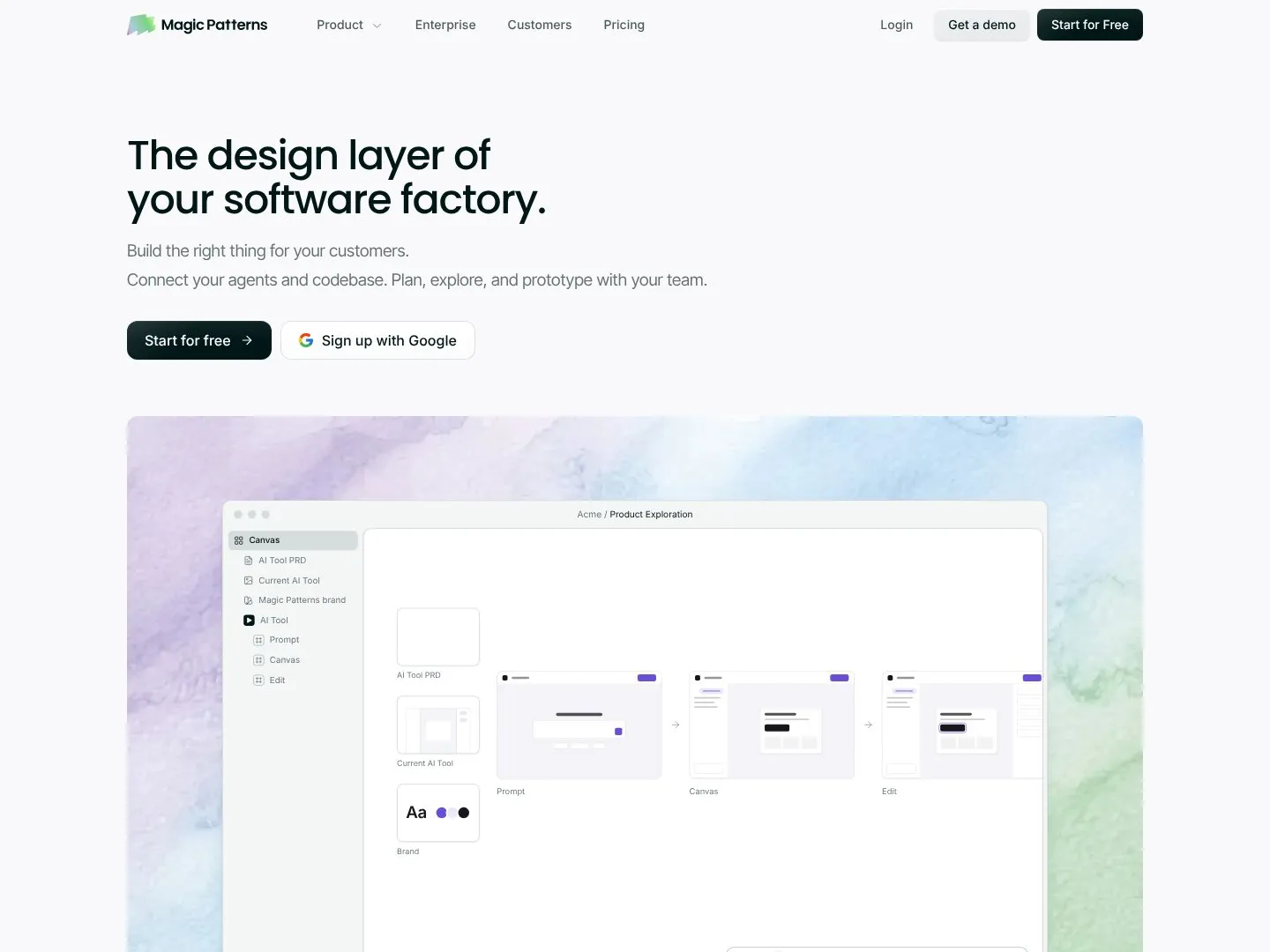
Magic Patterns looks like one of the most designer-minded AI UI tools we've researched: it works on a canvas, takes your design system even on the Free plan and pastes straight into Figma. The catch is that its code is a design spec with mock data, not a working app, and the size of the free credit allowance isn't published.

Magic Patterns
At a glance
Not scored yet. We only score tools after hands-on testing.
- What it is
- AI prototyping and UI design on an infinite canvas
- Free plan
- Yes
- Paid from
- $20/mo
- Builds
- Interactive React prototypes and single-screen frames
- Design import
- Figma paste, .fig files, screenshots, web pages
- Design systems
- GitHub repo or zip upload; shadcn/ui, Chakra, Mantine, MUI presets
- Stack
- React 18, TypeScript, Tailwind CSS v3
- Export
- Paste to Figma, zip, GitHub, coding agents
- Backend
- None (mock data only)
- Made by
- Magic Patterns (San Francisco)
Magic Patterns pricing
Free
For trying it out
$0/mo
- Monthly free credits (amount not published)
- Design systems and GitHub sync
- Magic Patterns MCP server
- Badge on published previews
Starter
For solo designers and small teams
$20/mo
- 1,000 credits ($20) or 2,500 ($50) a month
- Unlimited members, shared credit pool
- Credit rollover and on-demand usage
- Custom domains, no badge
Business
For product teams with heavy use
$100/mo
- 5,000 to 100,000 credits a month
- Everything in Starter
- Shared workspace templates
- Usage reporting, Slack or Teams channel
Enterprise
For large organisations
Custom
- 100K+ monthly credits, annual commitment
- SSO, SCIM and access controls
- Advanced design systems support
- Custom SLAs and account manager
Plans are priced by monthly credit tier, not per seat, and the whole workspace shares one credit pool. Annual billing is shown as 15% off, but the vendor's page source doesn't list the annual figures. Prices from magicpatterns.com, checked Nov 22, 2026. Plans change often, so confirm before you buy.
What Magic Patterns is
Magic Patterns is an AI UI tool built for the way designers already work: on a canvas, with a design system, and with Figma at the end. You describe what you want in a chat, and its agent makes either an interactive React prototype or a single-screen frame. It can lay out several directions side by side on an infinite canvas, which the company calls MagicOS.
It is made by Magic Patterns, a company based in San Francisco. You can start from a prompt, a screenshot, a PDF such as a product requirements document, a live web page or frames copied from Figma. What comes out can go back into Figma, into a GitHub repo, or to a coding agent such as Cursor, Claude Code or Codex. It doesn’t build back ends, so think of it as a prototyping tool rather than an app builder.
What designers can do with it
Magic Patterns earns its place through the design-system and Figma features, not through the first prompt. Here’s what matters most, in order.
- Design systems are the headline feature, and they’re on Free. Import a system from a GitHub repo (read-only access, reviewed before adding) or upload a zip, then reference components with @ComponentName. Presets cover shadcn/ui, Chakra, Mantine and MUI. Enterprise adds “advanced design systems support”, and a production React library is connected by booking a call.
- Figma export is the feature most likely to matter to designers. Export to Figma copies the design, and you paste it into any Figma file with no plugin. Exporting a canvas sends every screen across in the same layout.
- Figma import works the other way too. After connecting your Figma account, you can paste frames and components in, and since July 2026 you can import .fig files. The vendor doesn’t say which plans include it.
- The canvas suits exploration. You can generate several directions to compare and run multiple chats in parallel. That fits early concept work better than a single chat thread does.
- The Chrome extension is a useful extra. It copies any web page, including pages behind a login, into a project as an editable frame. It works in Chrome, Edge, Brave and Arc.
- Visual editing is free but limited. Inspect mode lets you select an element and ask the AI for a change. Edit mode allows direct visual edits that use no credits, but only on frames, not on prototypes.
- Code export is good for handoff, not for shipping. You can download a runnable Vite project, sync to a new GitHub repo or hand off to a coding agent. The vendor calls the code a “high-fidelity design spec” with hardcoded mock data.
- Responsive frames, no native apps. Frames can use Mobile, Tablet, Desktop or Wide presets and specific devices such as iPhone 17. Native mobile output isn’t mentioned.
It also makes slide decks you can download as PDF or editable PowerPoint, and since July 2026 it can generate images inside designs.
How good is the design output?
Independent views are positive but thin, and nobody in our sources has done a large side-by-side test. What exists points to strong design-system matching and well-organised Figma layers.
MakerStack (review published 24 April 2026; the site uses affiliate links and takes sponsor fees) scores Magic Patterns 7.6 out of 10. It praises how well output matches a design system, real-time multiplayer and usable code export. Users on Product Hunt rate it 4.9 out of 5 from 18 reviews, mostly about a year old, and praise fast iteration and tidy Figma export layers.
There are caveats. One Product Hunt reviewer, about four months ago, wanted it to read an existing app’s styling instead of relying on prompts.
Banani, a competitor, wrote in July 2025 that the React and TypeScript output was clean but some dropdowns and toggles didn’t work. That review predates the March 2026 credit change, so treat its cost comments as historical. G2 shows 4.8 out of 5, but from only seven reviews.
The default stack is React, TypeScript, Tailwind CSS, lucide-react icons and framer-motion. Those are the defaults when you don’t bring a design system. Picking a preset or importing your own system swaps in that library’s components instead.
The real cost: credits shared by the whole workspace
Magic Patterns is cheap to start and fair for teams, but you can’t see in advance how far the Free plan goes. Prices below were checked on 22 November 2026 on the vendor’s pricing page and docs.
- Free: $0, no card needed, with a monthly allowance of free credits. The vendor calls the allowance “limited” and doesn’t publish the number.
- Starter: $20 a month for 1,000 credits or $50 a month for 2,500. Adds unlimited members with roles, credit rollover, on-demand usage, custom domains and no badge.
- Business: from $100 a month for 5,000 credits, in tiers up to $2,000 for 100,000. Adds shared templates, usage reporting and a dedicated Slack or Teams channel.
- Enterprise: custom pricing with an annual commitment and 100K+ monthly credits, plus SSO and SCIM.
There are no seat fees on any plan. Adding a teammate doesn’t change the bill, but since 13 November 2026 everyone in a workspace draws from one credit pool. When that pool runs out, it runs out for everyone. The pricing page shows an “Annual (15% off)” toggle, but the annual prices aren’t in the page source, so we can’t quote them.
Credits are spent when the AI generates or changes a design, and complex requests cost more. Manual and visual edits, exports, sharing, retries and “Fix with AI” are free. The vendor’s guide figures, based on Claude Opus 5.5, are below; other models cost different amounts.
| Work | About this many credits |
|---|---|
| One generation | 70 |
| A few tweaks (2 to 3 versions) | 100 |
| Small prototype (4 to 10 versions) | 110 to 200 |
| Full page or flow (11 to 20 versions) | 400 |
| Substantial project (21 to 50 versions) | 950 |
On those figures, Starter’s 1,000 credits cover roughly two full pages or flows a month, or about 14 single generations. Unused monthly credits roll over for one month on Starter and above. Paid plans can also switch on on-demand usage at a fixed per-credit rate, though the rate isn’t published. Admins can set a warning threshold and a hard budget limit.
Our advice: do every small visual fix in Edit mode, since it’s free, and save prompts for new screens and structural changes. Once Free runs short, a solo designer should move to the $20 Starter tier and only go higher after a month of watching the per-response credit counter in the chat.
Where it falls short
The main weakness is that Magic Patterns stops at the prototype.
- No back end and no production code. The vendor’s own guide says generated code uses mock data and stubbed interactions, with no API calls, auth or back end. You’ll need a developer, or another tool, to make it real.
- The Free allowance is a mystery. You can’t tell from the vendor’s pages how many free credits you get, and on-demand usage isn’t available on Free.
- A big jump between tiers. MakerStack calls the step from $20 Starter to $100 Business steep. The $50 Starter tier softens it, but Business-only features such as usage reports start at $100.
- Visual editing only works on frames. Prototypes have to be changed through the AI, which costs credits.
- Design systems don’t stay in sync on their own. New commits to a linked GitHub repo need a manual Re-sync.
- The AI can leave loose ends. The vendor’s troubleshooting page notes that it may add a change that isn’t “hooked up”, such as a new page with no link to it.
- A shared pool can stall a team. Once the pool and any on-demand budget are spent, everyone waits for an admin or the next cycle.
Magic Patterns vs v0
These two answer different questions. Magic Patterns is for exploring and refining UI on a canvas, keeping your design system in play and pasting the result into Figma. Its pricing is per workspace, so a team of five pays the same $20 as one person, sharing the credits.
v0 is for turning designs into working Next.js code. It scaffolds a database and sign-in, works on GitHub branches with pull requests and deploys to Vercel. It costs $30 per user a month on Plus, and Figma import is paid-only there.
Pick Magic Patterns for the design phase and v0 when the prototype needs to become an app. See our v0 review.
Should you use Magic Patterns?
Yes, if you want AI-generated UI that respects your component library, you hand off in Figma, or your team wants to share one budget without paying per seat.
Not yet, if you need a working app with real data and sign-in. The same goes if you want to know exactly what the Free plan covers, or you mostly iterate on prototypes rather than frames.
How we reviewed Magic Patterns
This review is based on research, not yet on our own hands-on test. In we checked Magic Patterns’ pricing page, documentation, changelog and blog, plus published reviews and community ratings. Prices and features come from the vendor’s own pages, and statements about design quality summarise what independent reviewers and users report.
The opinions are our editors’ judgement based on that research, not test results. Next, we’ll build the same three projects we use for every AI design tool (a SaaS dashboard, a mobile onboarding flow and a landing page) and add our scores. See how we test.
Sources we checked
- Magic Patterns pricing (opens in new tab) and subscription plans (opens in new tab)
- Magic Patterns docs: credits and billing (opens in new tab), on-demand usage (opens in new tab), FAQ (opens in new tab), team workspaces (opens in new tab)
- Magic Patterns docs: exporting (opens in new tab), code integration guide (opens in new tab), importing design systems (opens in new tab), GitHub design systems (opens in new tab)
- Magic Patterns docs: canvas and files (opens in new tab), how to prompt (opens in new tab), Chrome extension (opens in new tab), publishing (opens in new tab), custom domains (opens in new tab), troubleshooting (opens in new tab)
- Magic Patterns changelog (opens in new tab)
- MakerStack Magic Patterns review (opens in new tab), Banani’s Magic Patterns review (opens in new tab)
- Magic Patterns on Product Hunt (opens in new tab) and G2 (opens in new tab)
Alternatives to Magic Patterns
See all →
v0
Vercel's AI builder for React and Next.js apps

Uizard
Browser-based AI mockup and prototyping tool

UX Pilot
AI wireframes, UI screens and design reviews
Google Stitch
Google Labs' AI tool for UI designs and frontend code
Frequently asked questions
What is Magic Patterns?
Magic Patterns is an AI prototyping and UI design tool. You describe a screen or flow, and it generates interactive React prototypes or single-screen frames on an infinite canvas. You can start from prompts, screenshots, web pages, your design system or Figma work, then export to Figma, code or a coding agent.
Is Magic Patterns free?
Yes. The Free plan includes a monthly allowance of free credits, design systems, the Magic Patterns MCP server and GitHub sync, with no card needed. The vendor doesn't say how many free credits you get, and published previews carry a Magic Patterns badge.
How much does Magic Patterns cost?
Starter costs $20 a month for 1,000 credits or $50 a month for 2,500. Business runs from $100 a month for 5,000 credits up to $2,000 a month for 100,000, and Enterprise is custom with an annual commitment. There are no seat fees; annual billing is shown as 15% off, but the annual prices aren't stated in the page source.
Can Magic Patterns export to Figma?
Yes, and no plugin is needed. You choose Export to Figma, copy, then paste into any Figma file, and exporting a whole canvas brings every screen across in the same layout. Slide decks can also be exported to Figma.
Can it use my design system?
Yes, on every plan including Free. You can import a design system from a GitHub repo or a zip upload, or start from presets such as shadcn/ui, Chakra, Mantine and MUI, then reference components by name. New commits to a linked repo need a manual re-sync, and connecting a production React library is done by booking a call.
Magic Patterns or v0: which should designers use?
Pick Magic Patterns if you want to explore directions on a canvas, keep your design system in play and paste the result into Figma. Pick v0 if you want working Next.js code with a scaffolded back end that a developer can review in GitHub.