Maze review
Maze reviewed for product teams: prototype tests, surveys and interviews, how its AI analysis helps, what the plans cost and who should look elsewhere.
 Sketch Focus Editorial TeamLast updated
Research-based reviewNot yet tested hands-on · facts checked Nov 22, 2026How we test
Free
Free plan available
Our take so far
Maze is a quick way for designers to put a Figma prototype in front of real people, and the Free plan is enough to try that properly. The catch is cost visibility: paid plan prices aren't published, the AI features sit on Enterprise, and panel participants add a separate bill.

Maze
At a glance
Not scored yet. We only score tools after hands-on testing.
- What it is
- User research platform for testing Figma prototypes
- Free plan
- Yes
- Paid from
- Free
- Tests
- Figma prototypes, live websites, mobile
- Methods
- Surveys, card sorting, tree tests, interviews
- Prototype source
- Figma only, one per study
- Participants
- Your own (free) or Maze panel (credits)
- AI
- Study builder and analysis, not on Free
- Made by
- Maze
Pricing checked Nov 22, 2026
Maze pricing
Free
For designers running occasional tests
$0/mo
- 1 study a month, 5 seats
- Figma prototype tests and surveys
- Bring your own participants free
- No AI features or interviews
Enterprise
For research teams and larger organisations
Custom
- Unlimited seats, custom study quantities
- Interviews, website and mobile tests
- Maze AI analysis and MCP server
- Panel credits included, SSO
The public pricing page lists only Free and custom-priced Enterprise. A self-serve Starter plan is sold in the app without a published price, and Maze panel participants are paid for separately in credits. Prices from maze.co, checked Nov 22, 2026. Plans change often, so confirm before you buy.
What Maze is
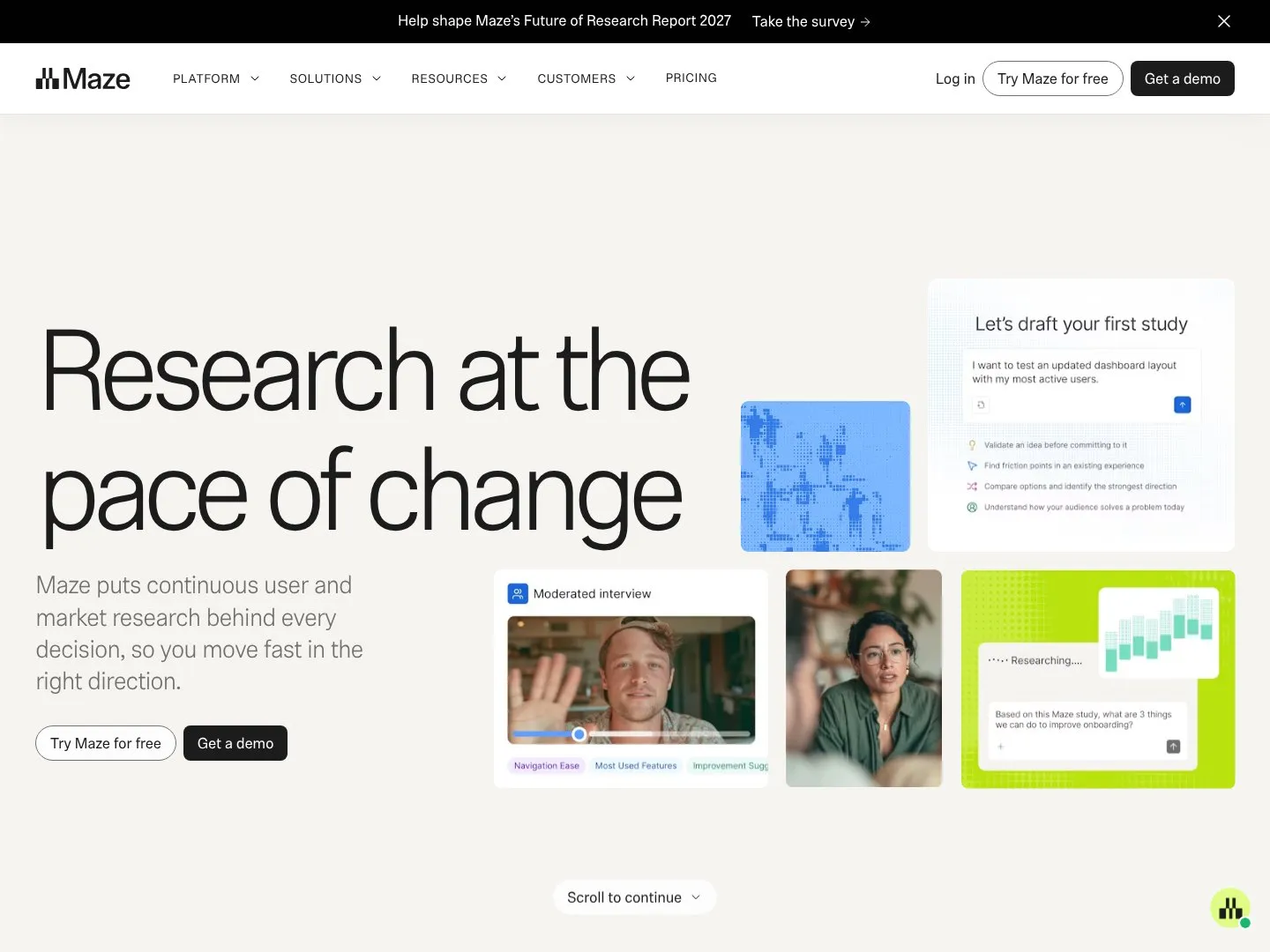
Maze is a fast, well-reported way to get a Figma prototype in front of real users, as long as your prototype lives in Figma. Its weak spot is price: beyond the Free plan, you won’t find costs on its public pages. Maze is a user research platform for unmoderated and moderated studies. It runs Figma prototype tests, live website and mobile tests, surveys, card sorting, tree testing and interviews, including AI-moderated ones.
You can recruit testers from Maze’s own panel, which you pay for in credits, or bring your own participants for free. Maze then turns results into reports with heatmaps, paths and usability metrics. Higher plans add AI that builds studies, flags leading questions and summarises themes.
What designers can do with it
Testing Figma prototypes is the reason most designers will open Maze. Ranked by how much each matters to a designer:
- Test Figma prototypes without moderating (headline feature). You paste a Figma prototype link, add tasks and questions, and send the study out. Maze supports desktop, tablet and mobile prototypes and Figma’s Interactive Components. When you change the design, a refresh pulls the latest version and keeps your blocks and paths.
- Automatic reports you can share (headline feature). Maze Reports show heatmaps, path analysis and usability metrics, and shareable reports are on every plan, Free included. That makes it easy to show stakeholders what happened in a test.
- Surveys and information architecture tests (useful). Free includes surveys and basic usability and IA testing. Card sorting and tree testing appear only under Enterprise on the comparison table, so which IA tests Free includes isn’t clear from the pricing page.
- AI that builds and checks studies (paid only). The AI Study Builder suggests a method and drafts a ready-to-run study from a prompt. Bias Detection flags leading questions and suggests rewrites. AI follow-ups ask participants more on open answers. None of these are on the Free plan.
- AI analysis of results (paid only). On Enterprise, Maze summarises survey themes and sentiment, transcribes interviews and pulls out themes and highlights. An MCP server connects studies and transcripts to Claude, ChatGPT or Cursor.
- Interviews and live product tests (Enterprise). Moderated interviews with scheduling, live website tests and mobile app tests sit on Enterprise. AI-moderated interviews are an extra add-on on top of that.
How good is the analysis?
Maze builds tests rather than designs, so the useful question is whether its reports and AI analysis hold up. Published views agree that Maze is quick and presentable, and are more cautious about depth and cost. G2 shows Maze at 4.5 out of 5 from 111 reviews (page modified 11 November 2026), though the profile overview is managed by the vendor.
Capterra reviewers also give 4.5 out of 5, but from only 10 reviews dated 2020 to 2023, so treat them as possibly out of date. They praise ease of use, the Figma integration and automatic reports. They also mention limited survey logic, buggy heatmaps and recordings, and cost for solo users.
A DEV Community review (pickuma, 2026) finds Maze quick for unmoderated tests with presentable reports. It warns that AI theme summaries can miss rare insights, and that panel recruitment can become the biggest cost. Crazy Egg’s blog (Hiten Shah, 6 January 2026), whose company sells analytics and testing tools, rates prototype testing and turnaround highly. It calls reporting hard to edit and the product expensive for small teams, with few mid-tier options.
Maze says it uses OpenAI for text and Rev AI for voice, and that it “never trains models on your data”. AI can be switched off on higher plans.
The real cost: plans you can’t see, and panel credits
Maze has two costs: a plan for using the platform, and credits if you recruit from its panel. We checked both on 22 November 2026, and only one of them has public prices. Pricing is in USD and excludes taxes.
Plans. The pricing page lists just two plans:
- Free: $0, no credit card. 1 study a month, 5 seats, essential prototype tests, surveys, basic targeting and screening, and shareable reports. No AI features, live website or mobile tests, interviews or SSO.
- Enterprise: custom pricing through sales. Unlimited seats, custom study quantities, the full method list, Maze AI, SSO and some panel credits included (Maze doesn’t say how many).
In between, Maze’s help centre describes a self-serve Starter plan bought at app.maze.co/upgrade. It’s paid by card only, monthly or annually, and raises your project and study limits, but no figures or prices are published. A tooltip on the pricing page also mentions Team and Organization plans for buying extra seats, and their status isn’t clear. Maze adds that the price you see in your account can differ from the public page, because it runs pricing experiments on new sign-ups.
New accounts get a 30-day trial with premium features and no credit card. The help article says it ends after 30 days or once you’ve created 4 studies, though the same article also mentions 3. The account then drops to Free.
Panel credits. Credits pay for participants from Maze’s panel, including recruitment fees and incentives. Bringing your own participants costs nothing.
- Bundles: 50 credits for $250, 100 for $500 and 500 for $2,500. All three work out at $5 a credit, though Maze doesn’t state a per-credit price.
- Credits last 12 months from purchase, then expire, and they’re shared across the team.
- Per response, Maze’s help centre lists 3 credits for an unmoderated consumer response on its Core network. On its Extended network, it’s 5 credits for consumers and 9 for business participants. AI-moderated responses cost 5 or 9 credits, and moderated sessions 25 (consumer) or 45 (business).
- At bundle prices, that’s $15 for one unmoderated consumer response and $225 for one moderated business interview.
Two vendor pages disagree on unmoderated business responses: the panel FAQ says 3 credits, the help centre says 9. Check before you budget a B2B study. Unmoderated cost doesn’t depend on the number of blocks, and panel studies are capped at 45 minutes and 1 to 250 participants per order.
Annual plans can’t be cancelled or downgraded early, and Maze doesn’t refund unused service.
Our advice: start on Free with your own participants, such as customers, colleagues or a mailing list. That costs nothing and shows you whether Maze’s reports suit your process. Before you upgrade, check the Starter price inside your own account, and choose monthly billing first, because annual plans lock you in.
Where it falls short
Price transparency is Maze’s biggest weakness: you can’t see what the paid plans cost before you sign up.
- Figma only. Maze supports only Figma prototypes, one per study. Changing the Figma link’s permissions after import can stop participants opening the study.
- The useful extras are on Enterprise. AI analysis, interviews, live website and mobile tests, and password-protected Figma links all sit on the custom-priced plan.
- Panel costs add up. At $5 a credit, a moderated business interview costs $225 in credits alone, and credits expire after 12 months.
- The Free plan is tight. One study a month suits occasional checks, not regular testing. Maze has also experimented with cutting the number of blocks per Free study.
- Large studies have limits. A study stops collecting at 2,000 answers, and Maze warns that very large studies can slow down results and reports.
- Annual commitments are firm. No early cancellation or downgrade, and no refunds for unused time.
Maze for designers vs research teams
Maze serves two quite different buyers, and the plan you need depends on which one you are. A designer validating a Figma flow can get real value from Free: unmoderated prototype tests, surveys, your own participants and shareable reports.
A research team needs much more: interviews, card sorting and tree testing, AI theme analysis, SSO and many seats. On the public pricing page, that means Enterprise and a sales call. Starter may sit between the two, but without a published price it’s hard to plan around.
None of the tools we’ve reviewed so far competes directly with Maze. Dedicated reviews of other research tools are coming to our UX research hub. Maze tests prototypes built in Figma, so read our Figma review if you’re choosing the design tool too.
Should you use Maze?
Yes, if you prototype in Figma, want quick unmoderated feedback with ready-made reports, and can recruit some of your own participants.
Not yet, if you prototype outside Figma, need AI analysis or interviews without an Enterprise contract, or must know your annual cost before you start.
How we reviewed Maze
This review is based on research, not yet on our own hands-on test. In we checked Maze’s pricing page, AI and platform pages, panel FAQ and help centre, plus published independent reviews. Prices, limits and features come from Maze’s own pages, and we’ve flagged where those pages disagree or say nothing. Statements about report and AI quality summarise what independent reviewers report; the opinions are our editors’ judgement based on that research.
Next, we’ll run a real usability study in Maze on a Figma prototype, with our own participants and a small panel order, and add our scores. See how we test.
Sources we checked
- Maze pricing (opens in new tab)
- Maze help centre: upgrading your team (opens in new tab), annual and monthly billing (opens in new tab), pricing experiments (opens in new tab), panel credit costs (opens in new tab), buying credits (opens in new tab), free trials (opens in new tab), response limits (opens in new tab), Figma prototypes (opens in new tab), importing prototypes (opens in new tab)
- Maze Panel FAQ (opens in new tab)
- Maze platform: user testing (opens in new tab), Figma integration (opens in new tab), Maze AI (opens in new tab)
- Maze on G2 (opens in new tab) and Maze on Capterra (opens in new tab)
- Maze review (opens in new tab) (DEV Community)
- Maze user testing review (opens in new tab) (Crazy Egg, which sells analytics and testing tools)
Frequently asked questions
Is Maze free?
Yes. The Free plan allows 1 study a month and 5 seats, with essential prototype testing, surveys and your own participants at no cost. It has no AI features, live website or mobile testing, or interview studies. New accounts also get a 30-day premium trial with no credit card.
How much does Maze cost?
Maze's public pricing page shows no paid prices: on 26 November 2026 it listed Free and a custom-priced Enterprise plan. A self-serve Starter plan is sold in the app, paid by card monthly or annually, but its price isn't published on the pages we checked. Pricing is in USD and excludes tax.
How do Maze panel credits work?
Credits pay for participants from the Maze panel, including recruitment fees and incentives. Bundles cost $250 for 50 credits, $500 for 100 and $2,500 for 500, and they expire 12 months after purchase. A response costs from 3 credits (unmoderated consumer) to 45 credits (moderated B2B), and your own participants cost nothing.
Can Maze test Figma prototypes?
Yes, and Figma is the only prototype source Maze supports. You add one prototype per study, desktop, tablet or mobile, with the Figma link set so anyone can view. Password-protected Figma links need Enterprise.
What research methods does Maze support?
Maze supports prototype tests, live website and mobile tests, surveys, card sorting, tree testing, unmoderated think-out-loud studies and moderated interviews. AI-moderated interviews are an Enterprise add-on, and Enterprise also adds market research methods such as MaxDiff and message testing. The Free plan covers only the basics.
Who is Maze best for?
Maze suits designers and product teams who build prototypes in Figma and want fast, unmoderated feedback with automatic reports. Research teams that need interviews, AI analysis and the full method list will be looking at Enterprise. If you prototype outside Figma, Maze can't import your prototype.